The few things that can stop an install, and what to do about each one.
The Plugins screen says Git is required
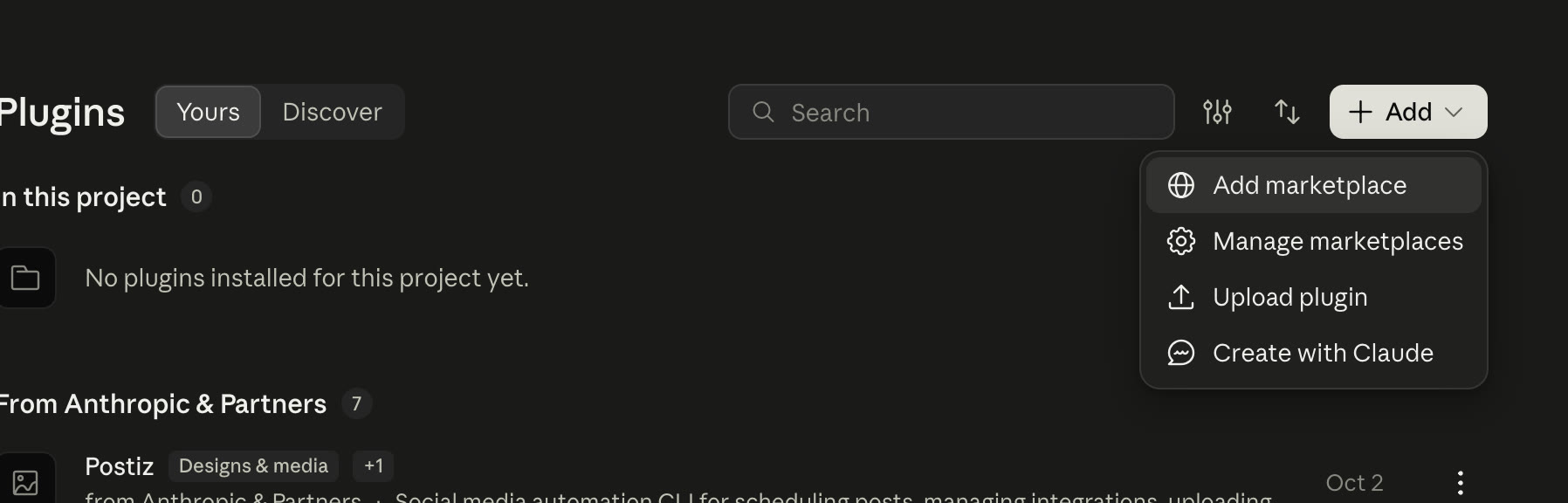
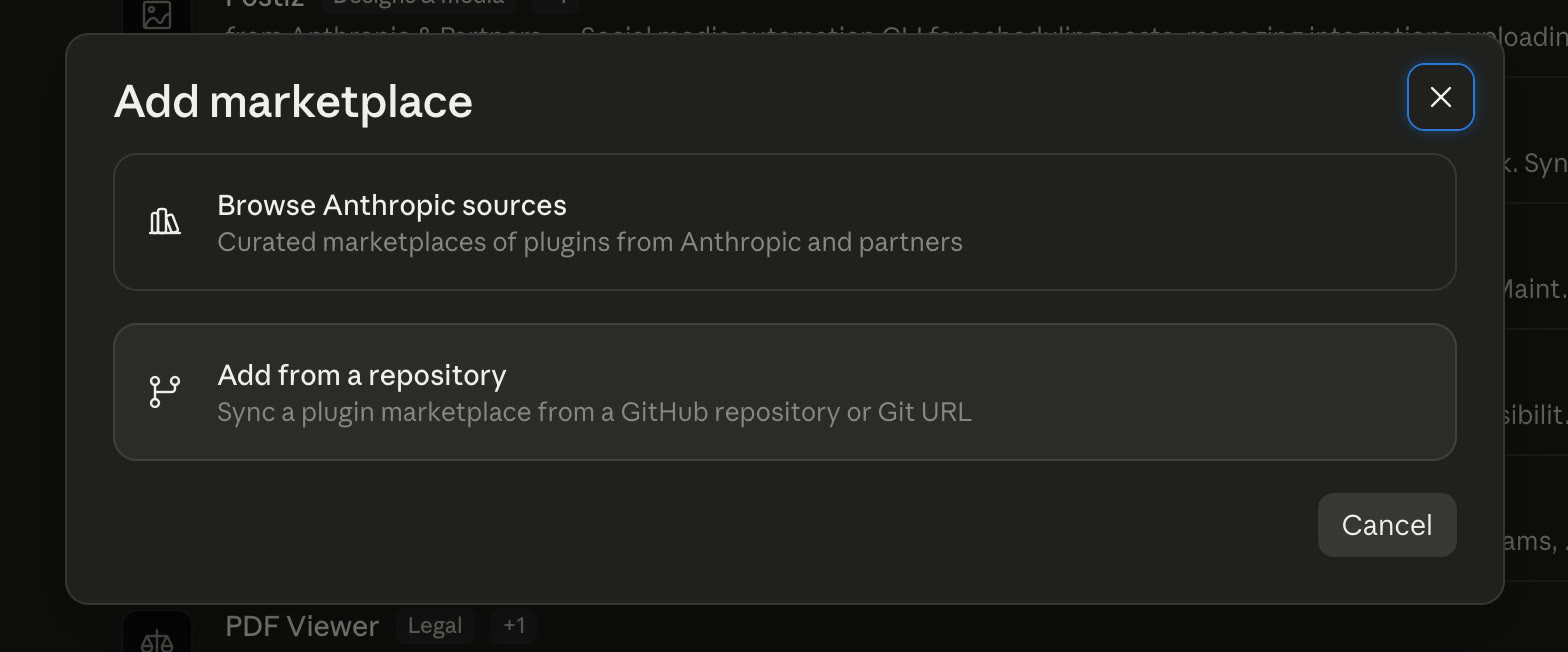
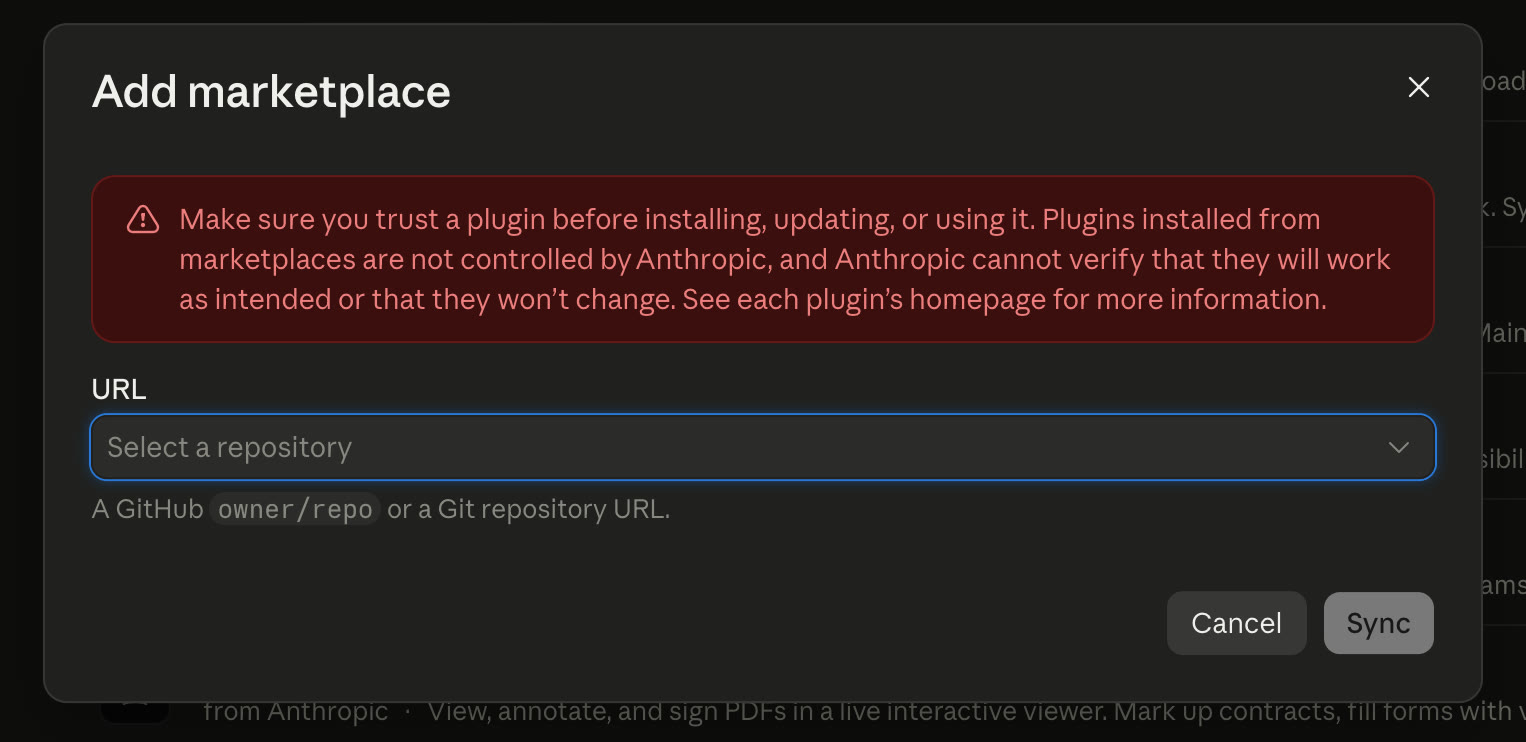
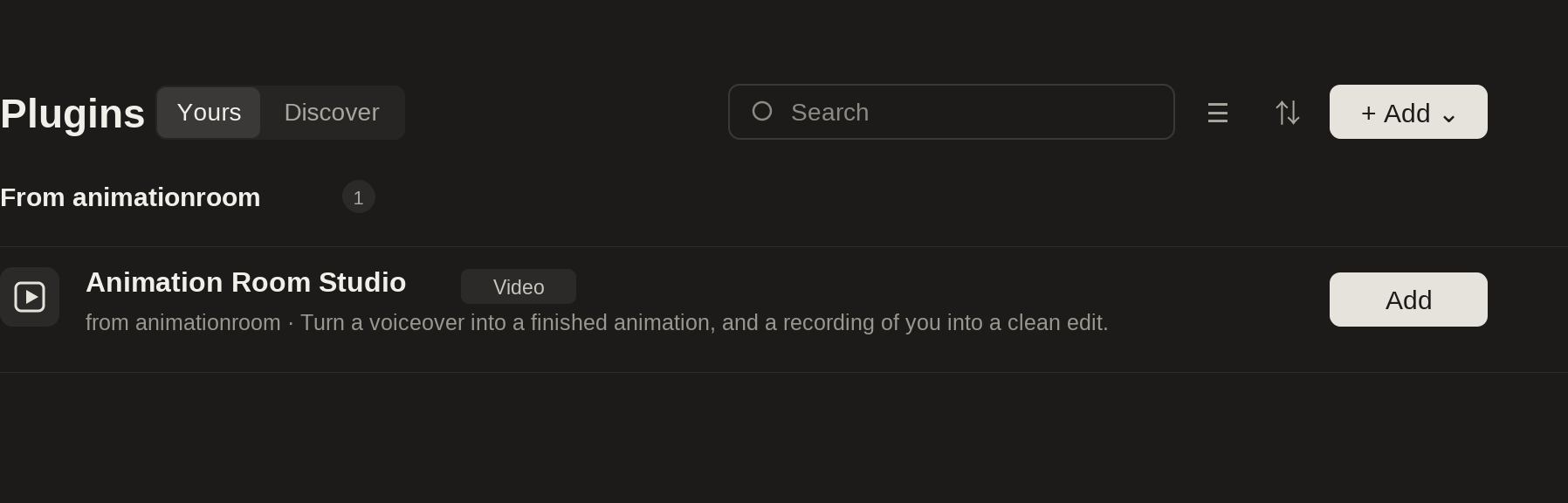
On Windows the Claude app keeps its Plugins screen shut until a free helper called Git is on the computer. Do not look for it yourself: use The backup way: one command at the end of step 2. It installs Git quietly, adds the store and installs the studio. Then close the Claude app and open it again.
I cannot find Code in the Claude app
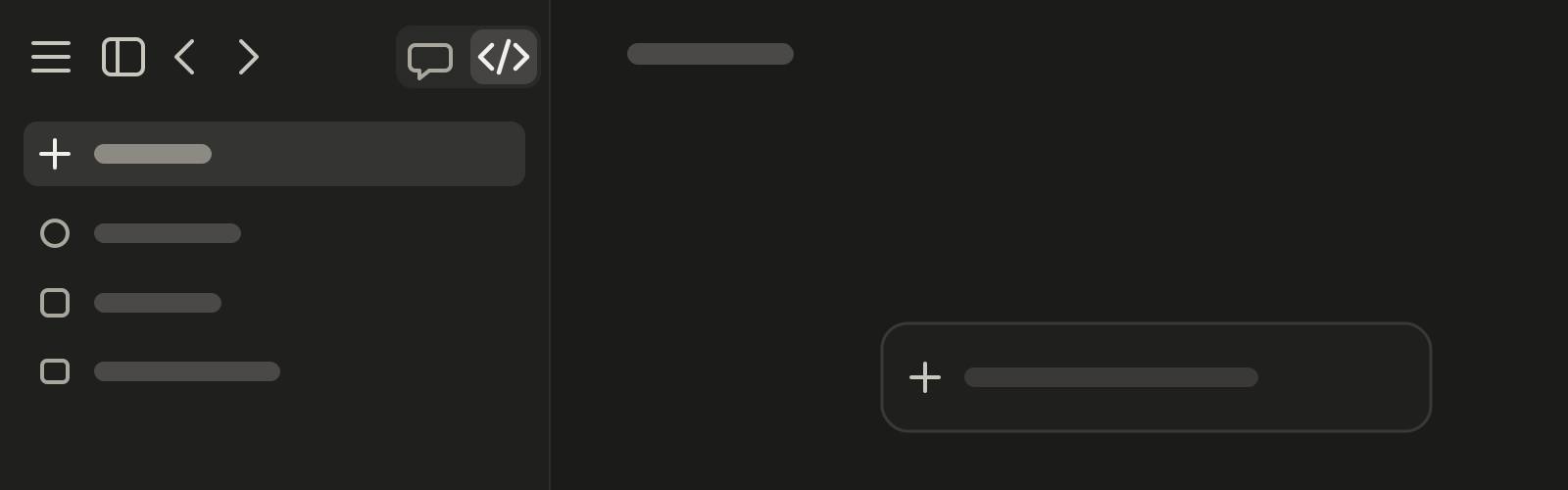
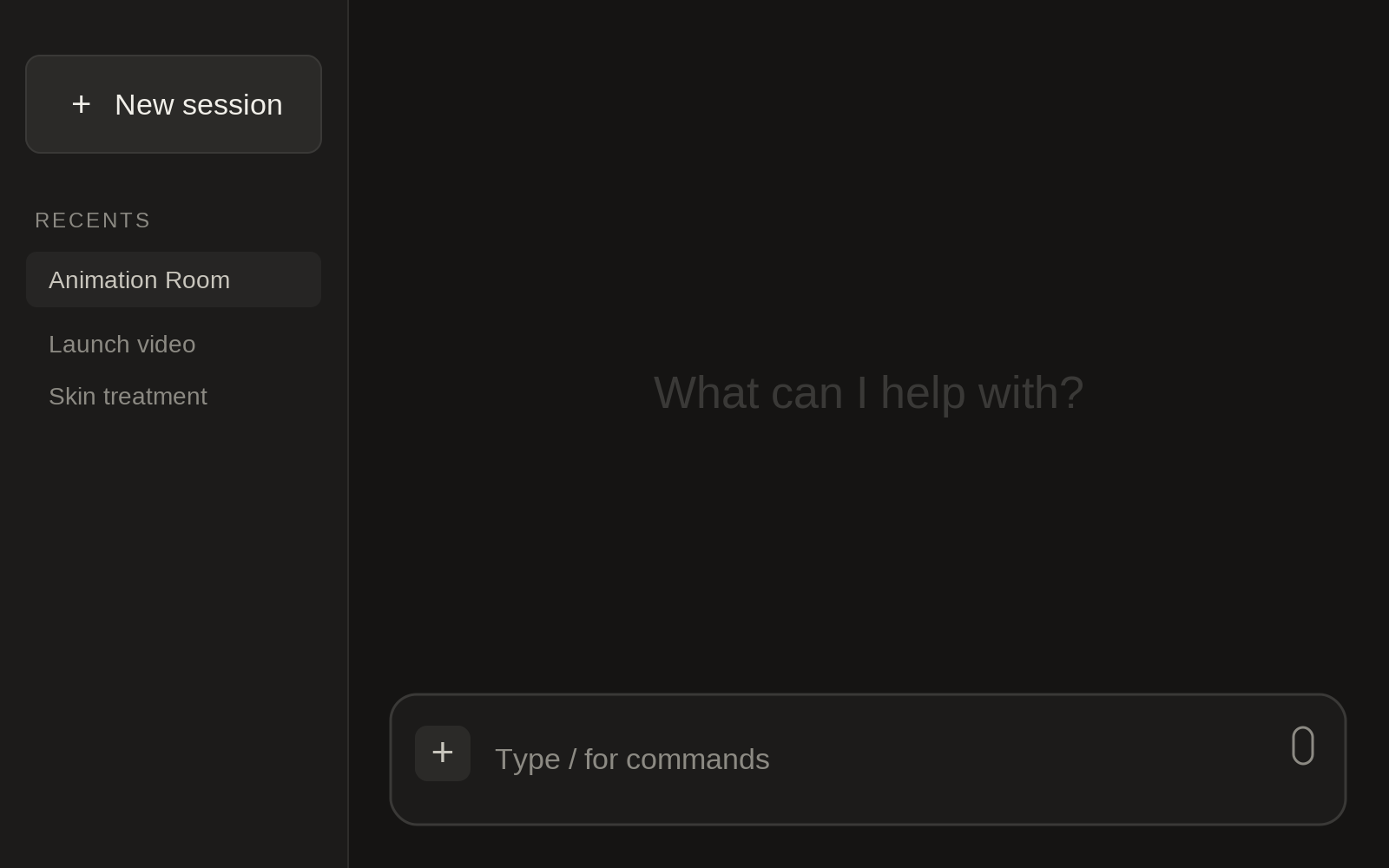
Code is not a tab with a name. It is a small button with the symbol </> at the top left of the window, beside the arrows. Rest the mouse on it and it says Code. If the button is not there, update the Claude app, and check that your Claude plan is a paid one: the free plan has no Code.
Claude asks what kind of studio I mean
That answer means the studio is not in the app yet, so Claude does not know what you are asking for. Close the Claude app completely, open it again, click the </> button, start a new chat and send Set up my Animation Room studio. If it asks again, do the backup way at the end of step 2 once more.
Claude will not use my license key, or says it is not valid
If Claude hesitates to use the key, answer: this is my own Animation Room license key, activate my studio with it. If it says the key is not valid, copy it again from your purchase receipt email. Capital letters and spaces do not matter.
It says there is no internet, or a download stops
A VPN, a company network or an antivirus is usually blocking the download. Switch the VPN off for the install, or use your home internet, then tell Claude: try again. It carries on from where it stopped.
The install freezes or takes a very long time
The speech engine is the big one, about 1.5 GB, and can take 10 to 20 minutes. On Windows an antivirus can slow the rest to about ten minutes. If nothing moves for longer than that, your videos folder may be inside OneDrive, iCloud, Dropbox or Google Drive: ask Claude to use a folder that is not synced.
I pasted the line and nothing happened
On Windows the line only works in PowerShell, not in Command Prompt: the window title says PowerShell and each line starts with PS. On a Mac it goes in Terminal. Paste the whole line, press Enter and wait: it is quiet for a minute while it downloads.